Choose equipment with a reason
Product photos, advantages, budget/pro options and essential/optional guidance help you compare the choices.
THE LIVE STREAMING SETUP GUIDE
Choose your gear. Connect it correctly. Fix problems fast—with a visual PDF guide in your language.
Get the guide for ₹199Preview in your language ↓Digital PDF · Available in 9 languages · Read on your phone
TRY THE GUIDE
Hover or tap a language. Explore four real pages before you buy.
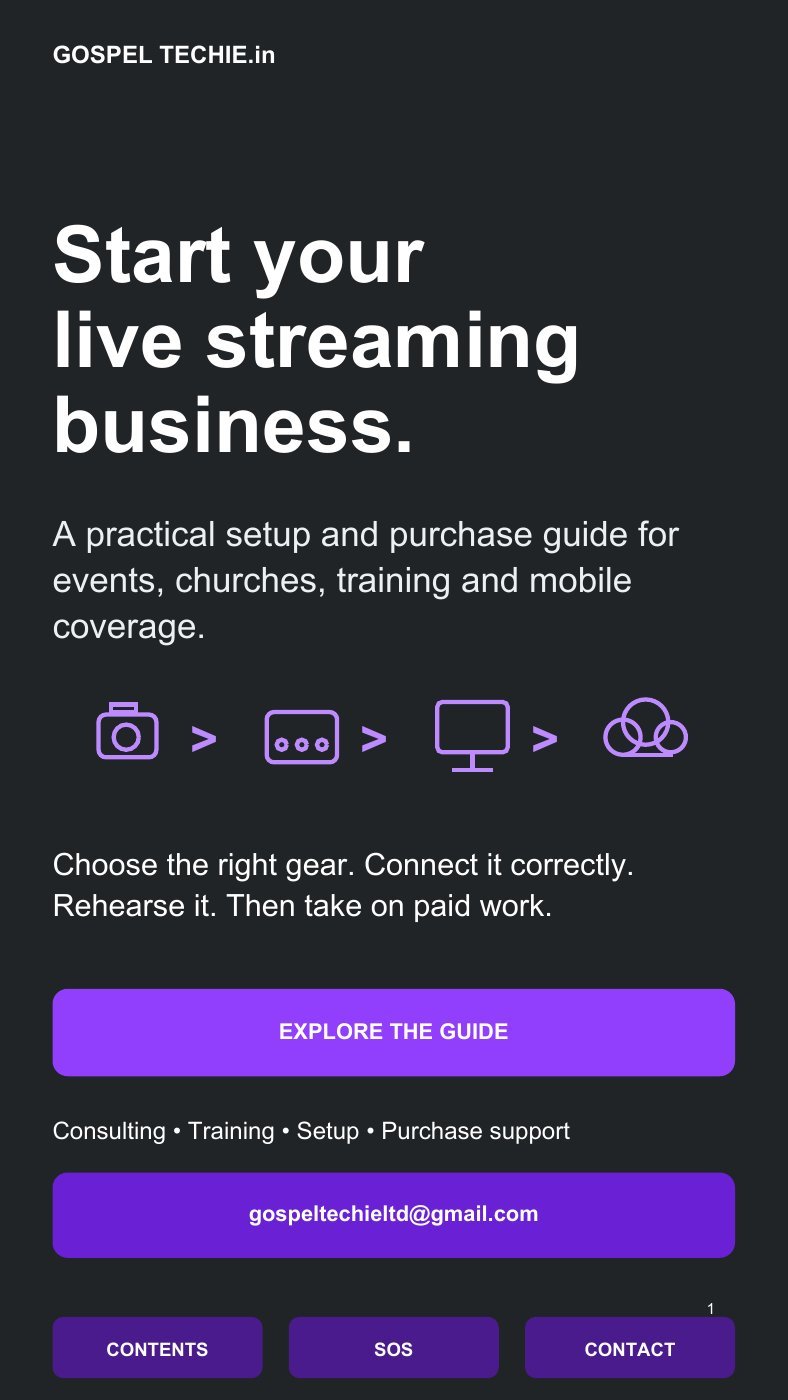
English · Cover · Page 1
Product photos, advantages, budget/pro options and essential/optional guidance help you compare the choices.
HDMI Type A, mini and micro HDMI, SDI, capture cards, switchers, audio and power—shown in connection diagrams.
Audio, intercom, internet, backup power and mobile workflows are part of a working production setup.
SOS pages cover missing video, distorted audio, lip sync, network trouble and power interruptions.
SOUND FAMILIAR?
You don’t need another random product list. You need to understand what fits together.
YOUR STARTING POINT
Compare camcorders, mirrorless, USB cameras and Canon PTZ options. Look at the video ports, audio inputs and advantages before spending on gear.
BEFORE YOU BUY
Know what you’re getting and how to use it.
It’s a digital PDF guide. Available in nine languages, with product information, diagrams, checklists and troubleshooting. A video course or live training is not included.
Yes. The guide includes phone-first and mobile workflows. You can also use it to plan a camera-and-computer setup as your needs grow.
No. Many products are alternatives. Choose the workflow that suits your job, then use the essential/optional guidance to decide what you need.
The PDF has links, navigation and planning forms. Use a PDF reader that supports them; Acrobat is recommended for forms. Browser previews can behave differently.
No. Equipment budgets are planning ranges. Actual supplier prices, taxes, accessories and availability can change. The ₹199 shown here is the price of the guide.
No. It helps you plan and practise. Bookings, income and streaming performance depend on your skills, equipment, internet and the event conditions.
Use the purchase button to open the Razorpay payment page. Keep your payment confirmation. For delivery or order help, email gospeltechieltd@gmail.com with your payment reference. Delivery and payment support are handled by Gospel Techie.
YOUR NEXT SETUP STARTS WITH A PLAN
Get the Live Streaming Setup Guide.
Gospel Techie digital guide
One guide purchase.
Equipment and training sold separately.